
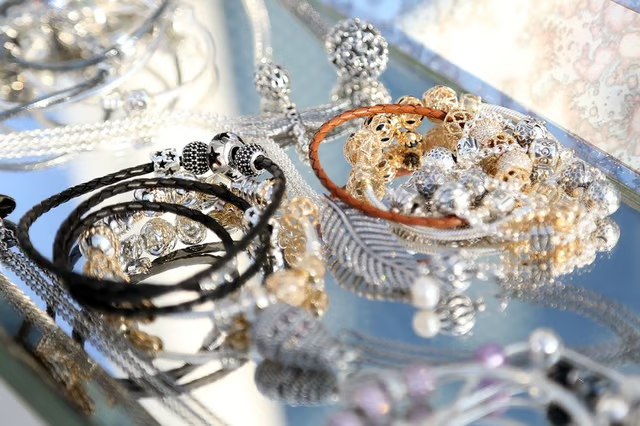
Pandora charm bracelets are popular pieces of jewelry that, initially sold in Denmark, have expanded into many areas of the world. Wearers are able to personalize these bracelets, such as the company's gold, silver and less expensive rope-style pieces, making them statements of individuality. Adjusting the look of your Pandora bracelet is as simple as adding, or switching up, the charms and beads.
Purchase a new Pandora bead or charm, or a variety of new beads and charms, for your Pandora bracelet if desired. These beads can be purchased online on the Pandora website or from authorized online Pandora dealers such as Lewis Jewelers (see the Resources section).
Open your Pandora bracelet with a Pandora clasp opener. Holding the clasp opener between your thumb and fingers, place the opener's side into the vertical line of the bracelet's clasp. Use gentle pressure to open the clasp. Alternatively, stick your fingernail into the slit of your Pandora bracelet's clasp and apply firm pressure to open it.
Revamp the beads and charms on your Pandora bracelet to adjust how it looks. Add, remove or rearrange the beads and charms for an entirely new look. Opt for simplicity with just a few gold beads, or make a statement with a variety of gemstone beads.
Close your Pandora bracelet once you are satisfied with your adjustment. Pinch down on the open clasp until you hear it click into place.
Tips
Pandora charm bracelets make gifts that allow recipients the freedom to design their own look.