


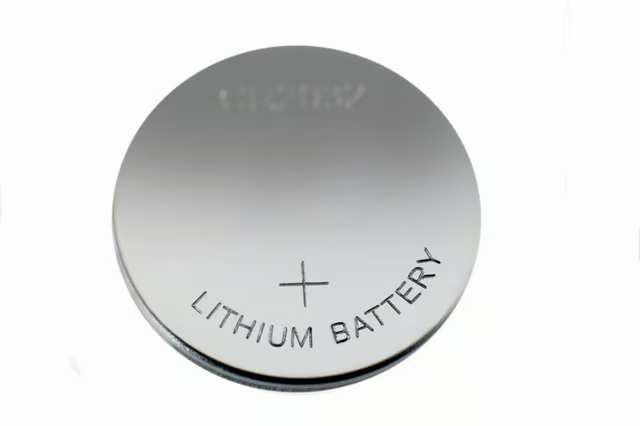
The Maxell CR2016 battery cell replaces Timex watch batteries in about 10 models of wristwatches. This battery is a button cell, round lithium ion battery that has a long life. If your Timex watch has stopped working, it is most likely in need of a new battery. Battery replacement takes only a few minutes and requires no special tools.
Place a towel on a flat surface such as a table or countertop.
Place your Timex watch face down on the towel.
Insert a small flat-head screwdriver under the watch back. Rotate the screwdriver to pry the back off the watch. Set the back aside.
Insert a small Phillips screwdriver into the two screws that hold the battery clip in place. Turn each screw counterclockwise, pull them out and remove the metal battery clip. If your watch model does not have screws and a battery clip, skip this step.
Observe the old battery to see if the negative or positive side faces up. The negative side is smooth and the positive side has a ring around it.
Grasp the battery with a pair of tweezers and pull it out.
Place a new battery into the watch turning it to match the polarity of the old battery with the negative or positive side facing up.
Replace the battery clip and align the screw holes. Insert the two screws and tighten them clockwise with a Phillips screwdriver. If you did not remove a battery clip in Step 4, skip this step.
Center the back over the watch and press down on each side firmly. The back will make an audible click when it locks into place.
Reset the time on your watch type according to your Timex instructions.