
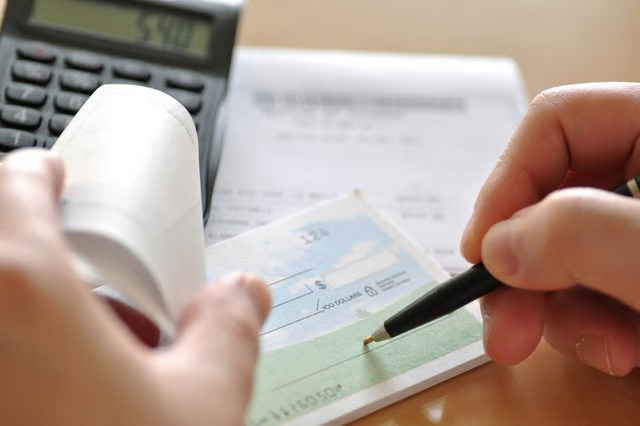


It can take up to one month to order new checks from your bank. This may not be an option, especially if you have to pay bills soon. You may also not be comfortable ordering checks online, since it can present a security problem such as fraud and identity theft. Luckily, you can download free software to create your checks and print them in the comfort of your own home.
Download software that will allow you to print checks at home. Free software, such as Check Printing Software 2000, will let you print basic checks (see Resources section).
Test the compatibility of the check-printing software with your printer by printing out a sample check that is included in the software. A laser printer is preferred for high-quality results.
Purchase Magnetic Character Recognition (MICR) toner for your printer and laser stock paper for printing out your checks. The MICR toner is a type of ink used for check-reading machines to be able to read checks. You can purchase MICR toner and laser stock paper at a large chain office supply store such as Staples or Office Depot.
Related LeafTv Articles
Enter your information into the check-printing program, and print out a sample check using the MICR toner and laser stock paper. Make sure all the information, including routing number, account number, name and address, bank address and name, all match your original check from the bank. After double-checking, save a template of your check, and print out as many new checks as you like.